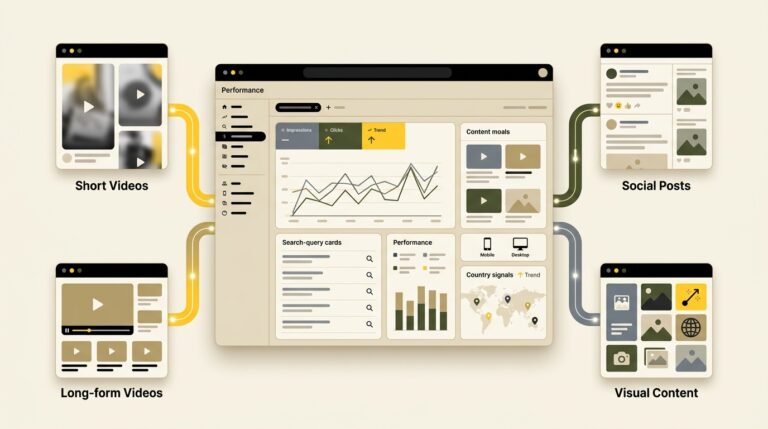
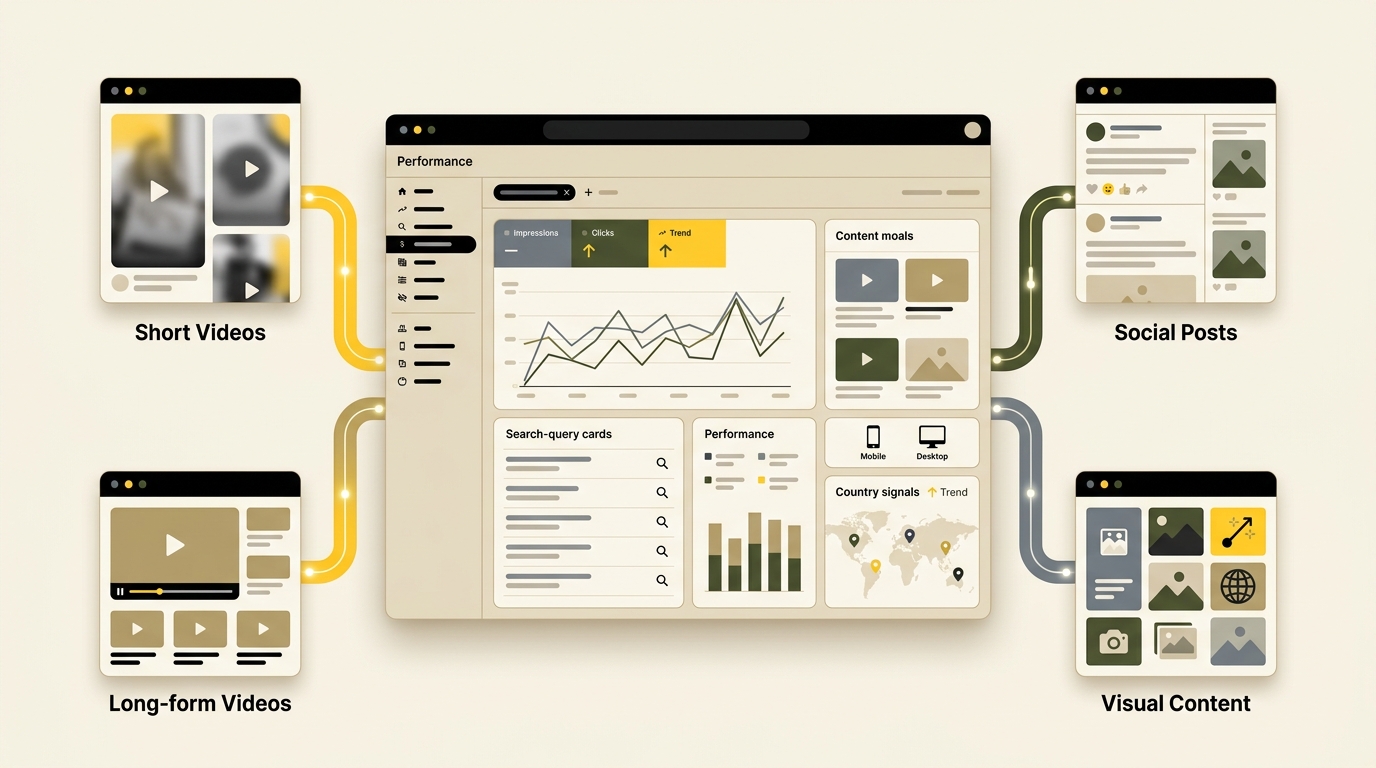
Your website is no longer the only place where people discover your brand through Google. A YouTube tutorial, TikTok video, Instagram post, or update on X can appear in Search, Discover, Google News, short-video carousels, and other result formats. Until recently, creators had limited first-party information about which Google searches led people to those off-site posts. Track social media content in Search Console.
Google Search Console platform properties change that. Introduced globally in July 2026, these properties let eligible creators and businesses connect individual Instagram, TikTok, X, and YouTube accounts and review how their content performs across Google surfaces. The reports can reveal the queries people use, the posts and videos generating traffic, the countries where interest is growing, and the devices audiences use.
This guide explains how to set up platform properties, interpret the reports correctly, and turn the data into a practical content strategy. It also explains what Search Console does not measure, so you do not confuse Google visibility with total social-media performance.
What Search Console Platform Properties Show
A normal Search Console property reports on pages from a website you own or manage. A platform property reports on content published through a supported social or video account. Google currently supports Instagram, TikTok, X, and YouTube, and each account must be added and verified individually unless it was already connected through a claimed Search profile.
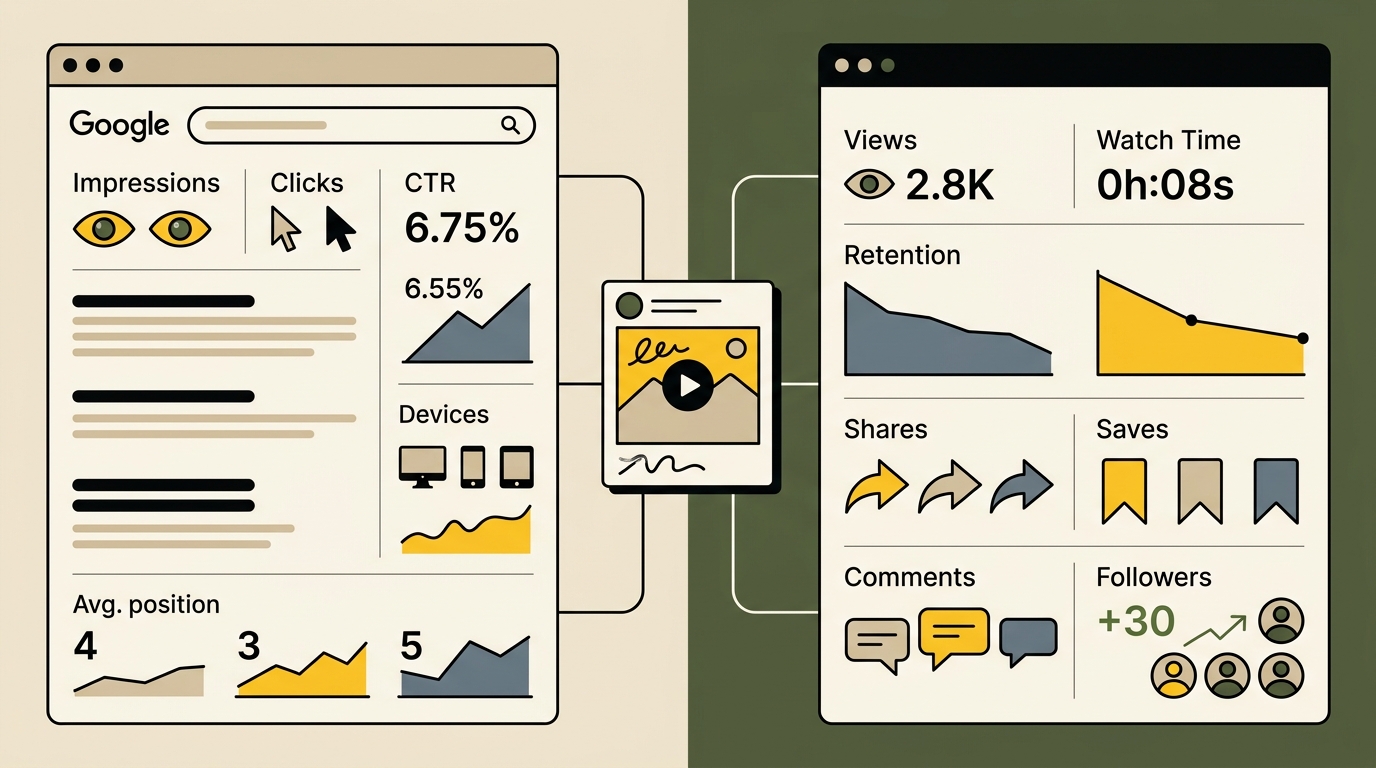
The feature does not replace the analytics provided by each social platform. Native analytics still show information such as followers, likes, watch time, retention, shares, saves, comments, and traffic generated inside the app. Search Console answers a different question: how are people discovering this account and its individual posts through Google?
Set Up and Verify Each Platform Account
Open Search Console, use the property selector, and choose the option to add a property. Select the relevant platform, authorize the account through the on-screen verification process, and repeat the process for every account you manage. Keep personal accounts separate from official business profiles and connect only accounts the organization is authorized to analyze.
Access should follow the same discipline used for a website property. Give team members only the permissions they need, remove former employees and contractors, and protect the Google and platform accounts with strong authentication. Our guide to passkeys for business websites explains how phishing-resistant login can strengthen high-impact accounts.
Confirm the Property Covers the Correct Profile
Before analyzing data, check that the displayed profile, channel, handle, and platform are correct. Businesses often maintain several regional accounts, legacy channels, employee-created profiles, or similar handles. Mixing them can lead to the wrong conclusions about content performance.
Create a simple account register containing the platform, profile URL, owner, target audience, primary country, content purpose, and Search Console property name. This becomes especially useful when an agency or internal team compares several accounts.
Allow Time for Data and Learn the Metric Definitions
Search Console data is not a real-time record of every view. The reports focus on interactions with content shown through Google. Impressions indicate that a link or content item was shown or potentially shown under Google’s counting rules. Clicks indicate that someone followed a link from a Google result. Click-through rate is clicks divided by impressions, and average position describes approximate placement in Google Search results.
Do not equate a Search Console impression with a video view or an in-app impression. A post can have excellent social-platform reach but little Google exposure, or receive Google clicks without generating strong engagement after the visitor arrives. Use the metric definitions before comparing reports.
Read the Insights and Performance Reports Together
The Insights report provides the fast overview. It can show recent traffic trends, top-performing posts or videos, query groups, audience countries, and how people found the account. Use it for recurring editorial reviews and for spotting sudden changes.
The Performance report offers deeper filtering and comparison. You can examine clicks, impressions, click-through rate, position where available, queries, content URLs, dates, countries, devices, and different Google surfaces. Use filters to isolate one post, one market, one device category, or one period.
Separate Discovery, Interest, and Action
Interpret results in three stages. Discovery asks whether the content appeared for relevant searches. Interest asks whether searchers clicked. Action asks what happened after the click, using the destination platform’s analytics and your business data where available.
For example, a video may gain impressions for a useful query but have a weak click-through rate. The title, thumbnail, or search-result context may not communicate value clearly. Another video may attract many clicks but produce low watch time, suggesting that the opening or content does not fulfill the expectation created in Search.
Search Console cannot prove that a caption change caused a performance shift by itself. Seasonality, news, competition, platform behavior, and Google result changes may also affect the numbers. Record meaningful edits with annotations, compare reasonable periods, and avoid declaring success from one day of data.
How to Turn Search Data Into a Better Content Strategy
The goal is not to chase every query that appears. Use the data to identify where audience demand, brand expertise, and a suitable content format overlap. A strong query may become a new video, an expanded article, a comparison, a short demonstration, or a cross-platform series.
Start by grouping queries by intent. Informational searches ask how, why, or what. Commercial searches compare options or seek the best tool. Navigational searches look for a specific brand or creator. Local searches include a location or nearby need. Problem searches describe an error, symptom, or obstacle. These groups help determine the right format and next action.
Build a Monthly Social Search Workflow
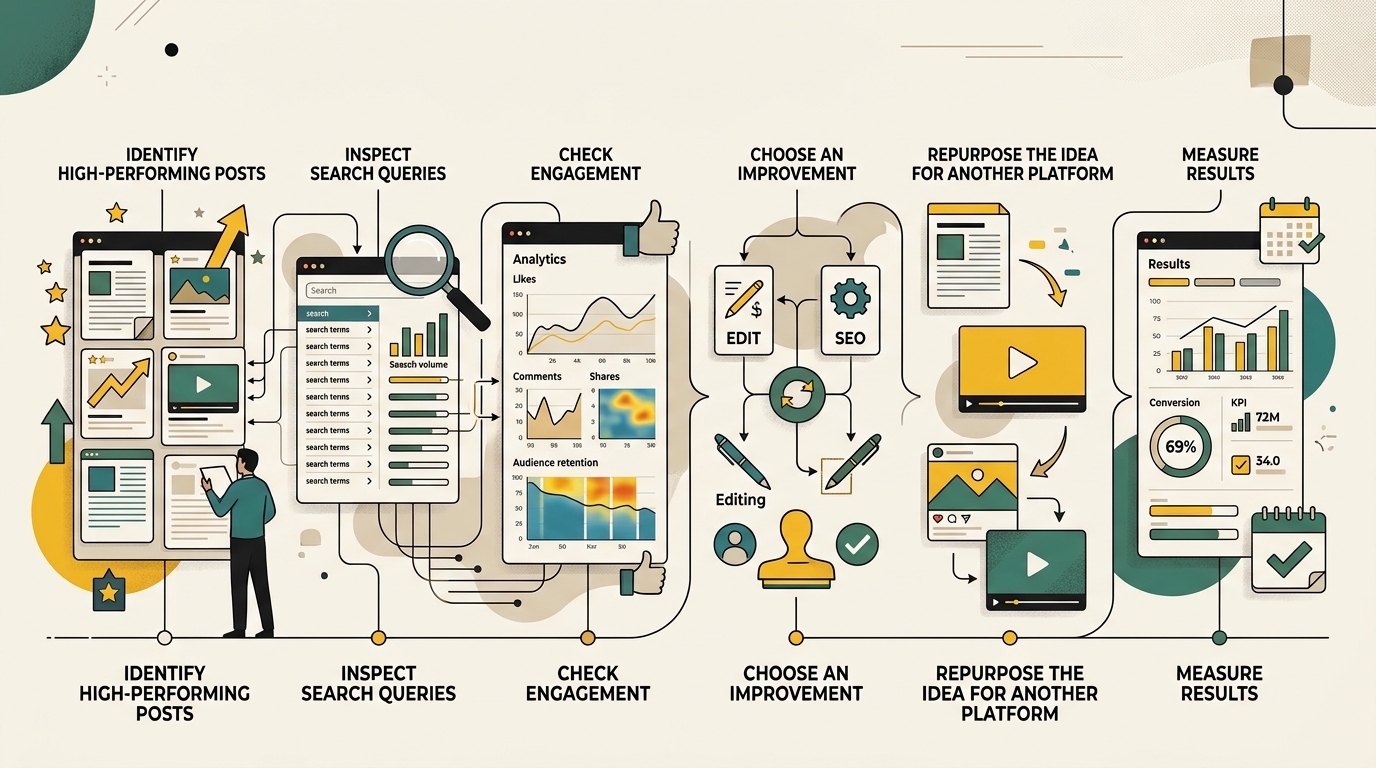
Once a month, export data for each connected account and compare a consistent period. Review top content, rising and declining query groups, unexpected searches, device mix, countries, and Google surfaces. Add a shorter weekly check when content is time-sensitive or a post is gaining momentum.
- Identify winners: Find posts and videos gaining qualified clicks, not only high impressions.
- Inspect queries: Determine what question, need, product, or topic brought people to each item.
- Check satisfaction: Use native platform analytics to review watch time, retention, engagement, and follow-on actions.
- Choose an update: Revise a title, caption, thumbnail, opening, format, or supporting website page.
- Repurpose carefully: Adapt the strongest idea to another platform instead of publishing an identical copy everywhere.
- Document the change: Record the date and expected outcome, then review performance after enough data accumulates.
Connect Social Discovery to Your Owned Website
Social profiles can generate awareness, but your website remains the asset you control. When appropriate, create a supporting page that answers the search need in more depth, provides sources, compares options, or guides the visitor toward a useful next step. Link naturally between the website and relevant platform content.
A strong video can reveal which questions deserve a detailed article. A useful article can become a demonstration, checklist, short clip, or visual explanation. Our AI search optimization guide explains how original evidence, clear structure, and connected topic coverage can improve discoverability across modern search experiences.
Do not automatically publish machine-generated variations of every successful post. Quality, platform fit, rights, and human review still matter. AI can help summarize reports and prepare drafts, but the process should remain supervised. See our guide to AI agents for small business for a controlled workflow.
For deeper comparisons, export individual content data from each property and combine it in a spreadsheet. Normalize the date range and label the account, platform, content URL, query, device, country, clicks, and impressions. Remember that different platforms and content types may serve different goals, so the highest click count is not automatically the best business result.
Use Google’s official guide to analyzing social and video content in Search Console when setting up reports and filters. It includes examples for spotting query trends, using recent data, comparing properties, exporting results, and adjusting content strategy.
Platform properties give creators a useful missing layer of information: what happens before someone reaches a social post from Google. The feature is most valuable when paired with native platform analytics and website data. Search Console shows discovery, platform analytics show consumption and engagement, and business systems show whether the attention produced a meaningful outcome.
Treat the reports as evidence for editorial decisions, not a command to follow every trend. Track the accounts that matter, define the role of each platform, study the searches that reveal genuine audience needs, and turn the strongest insights into better content across your website and social channels.