
The WordPress 7.1.3 security update is now available, and website owners should treat it as a priority update. WordPress released version 7.1.3 on October 6, 2026. The release includes seven security fixes and four bug fixes.
WordPress recommends updating sites immediately because this is a security release. That advice applies even when a website appears to be working normally.
Security problems often remain invisible until someone takes advantage of them. A site can load quickly, process forms, and publish content while still running vulnerable code.
That does not mean every WordPress website is under active attack. It means owners should reduce avoidable risk while fixes are already available.
This guide explains what changed in WordPress 7.1.3, which issues matter most, and how to update without turning a security fix into an avoidable compatibility problem.
What Changed in the WordPress 7.1.3 Security Update
WordPress 7.1.3 is a maintenance and security release. It follows several other WordPress 7.1 updates released during September.
WordPress 7.1.1 included security and bug fixes. Version 7.1.2 followed on September 22 with another important security correction. Version 7.1.3 now adds seven more security fixes and four maintenance fixes.
This release pattern is a good reminder that maintaining WordPress does not end after installing a major version. Smaller point releases often contain important corrections.
For most site owners, the practical goal is not to understand every code-level detail. The goal is to know whether the issues can affect your site and how quickly you should respond.
Seven Security Fixes Cover Several Types of Risk
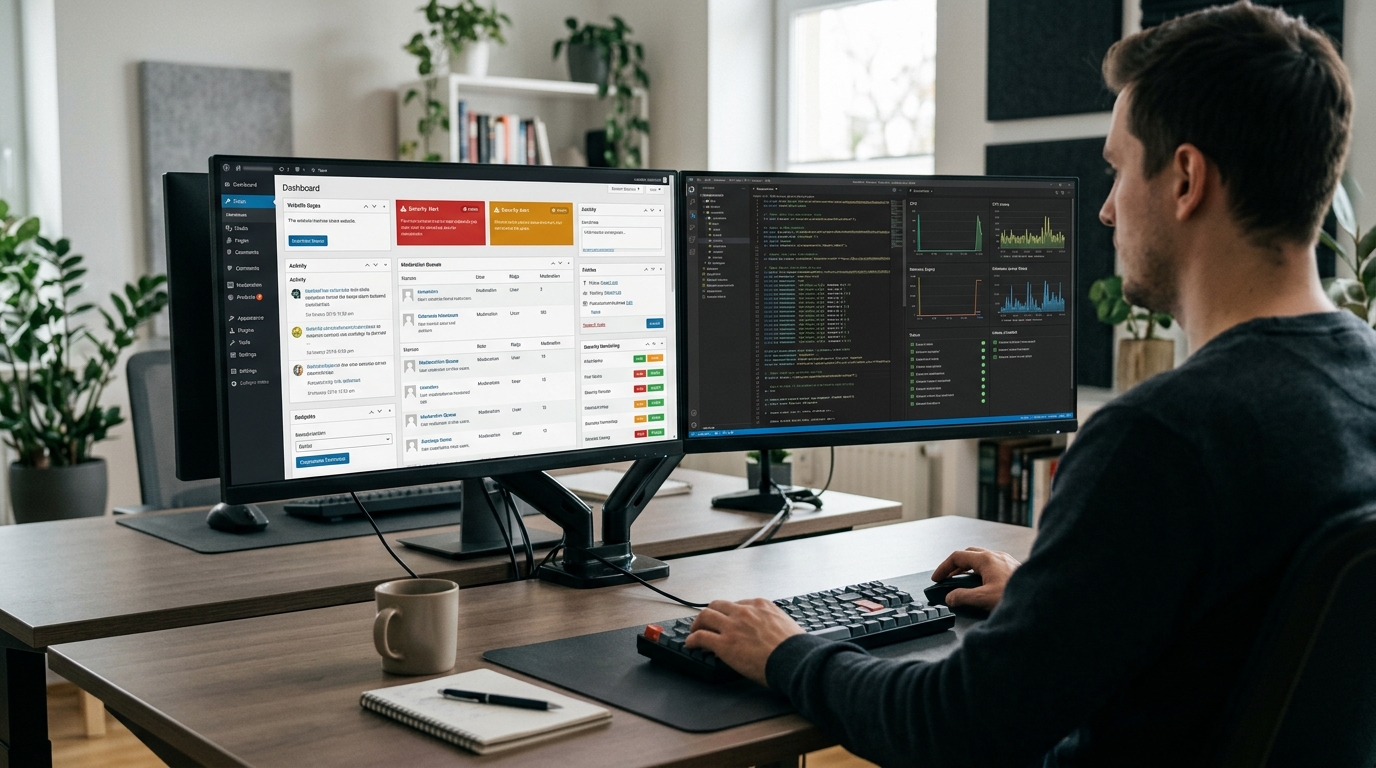
The WordPress security team credited researchers for reporting seven issues included in version 7.1.3.
One issue involved stored cross-site scripting, or XSS, on the Comments administration page through pending comments. Another involved a denial-of-service problem in a WordPress HTTP method.
The release also fixes a second-order SQL injection issue connected with WordPress WXR exports. A separate permissions problem could allow users with the Author role to make posts sticky.
Another fix addresses possible disclosure of comments attached to private or unpublished posts. WordPress also corrected an XSS issue involving Imgur embeds.
The final listed issue involved parameters passed to certain WordPress hooks. Under specific conditions, those parameters could create an action-name collision.
Which WordPress 7.1.3 Issues Matter Most to Ordinary Sites?
There is no useful reason for a normal site owner to rank the seven fixes by how frightening their technical names sound.
Risk depends on the website. A publication with public comments has different exposure from a private company site. A multi-author website has different permissions from a one-person blog.
The SQL injection and XSS fixes deserve attention because those attack types can affect data or administrative interfaces. The private-comment disclosure issue matters for sites that rely on unpublished or private content.
Multi-author publications should also care about permission changes. WordPress roles exist to limit what each account can do. A weakness that gives an Author more control than expected can weaken that model.
The safest response is straightforward: update rather than trying to decide that one vulnerability probably does not apply to you.
Website security works best in layers. Core updates solve one part of the problem. Strong account security also matters. Our passkeys for business websites guide explains how stronger authentication can reduce password-related risks for administrators and other important accounts.
Why Even a Small WordPress Site Should Update
Small websites sometimes delay security updates because owners assume attackers only target large companies. That is a poor assumption.
Automated scanning can look for vulnerable WordPress installations without caring whether a site belongs to a global brand or a local business.
A compromised site can create several problems. Attackers may inject spam, redirect visitors, alter pages, create unwanted users, or damage search visibility.
Cleanup can also cost more time than a controlled update. Restoring files, reviewing databases, changing credentials, and removing malicious code can interrupt normal work.
Updating WordPress core does not guarantee perfect security. Themes, plugins, hosting, passwords, file permissions, and connected services still matter.
However, continuing to run an older core version after WordPress publishes a security fix leaves a known problem in place for no clear benefit.
The Four Bug Fixes Still Make Testing Important
WordPress 7.1.3 also contains four bug fixes. Maintenance changes are usually less urgent than security corrections, but they still change production code.
That means a business should avoid the opposite mistake: clicking Update Now on a complex website without any recovery plan.
A simple blog with a maintained theme and a few plugins may update without trouble. A WooCommerce store, membership website, multilingual publication, or heavily customized Elementor site has more moving parts.
The WordPress core update may work correctly while a plugin or custom function reacts badly to the new environment.
This is why our WordPress 7.1 readiness guide recommends testing the workflows that create business value, not only checking whether the homepage loads.
Back Up and Test Before Updating a Critical Website
Create a fresh backup before changing a business-critical installation. Include both the database and website files.
More importantly, know how you would restore that backup. A backup file is not very useful if nobody knows where it is stored or how recovery works.
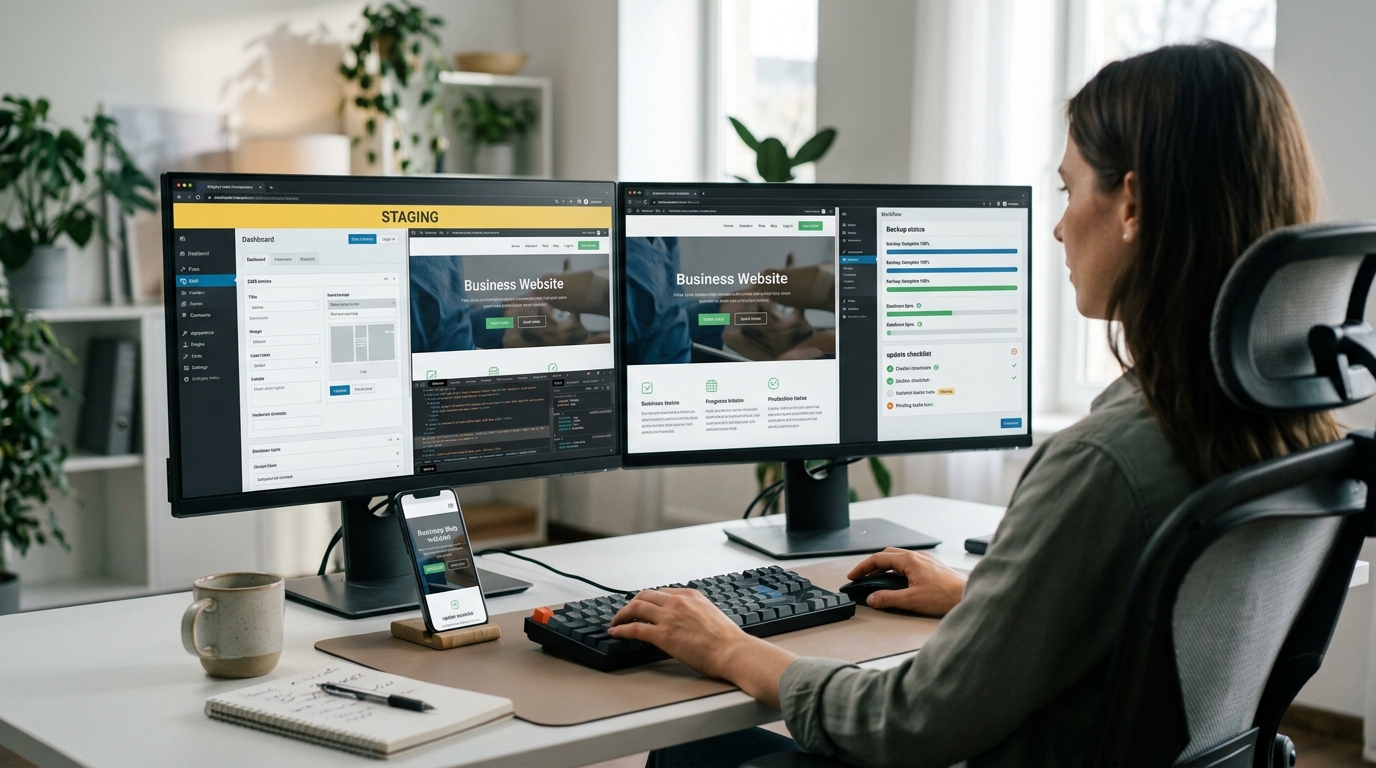
Complex websites should use staging when possible. Make a copy of production, update WordPress there first, and test the site’s main functions.
Check the homepage, navigation, forms, search, account login, and important landing pages. Ecommerce sites should also test products, cart behavior, checkout, payments, and confirmation messages.
Editors should create a draft and upload an image. Confirm that the editor, media library, categories, SEO fields, and publishing flow still work.
If your site uses Elementor or another visual builder, inspect global headers, footers, archive templates, single-post templates, and several responsive pages.
That process may sound slower than a one-click update. In practice, it is usually faster than diagnosing a broken production site after customers begin reporting problems.
How to Update WordPress 7.1.3 Safely
Most website owners do not need an elaborate deployment system. They need a repeatable process that reduces the chance of surprises.
Start by checking the current WordPress version. Then review available theme and plugin updates.
Do not remove a maintained plugin simply because a security update arrived. Instead, identify which components are critical and confirm that you can recover if something fails.
WordPress.org says users can install version 7.1.3 from Dashboard > Updates. Sites that support automatic background updates may also begin updating automatically.
If your host manages WordPress updates, check the hosting dashboard or support documentation. Managed hosting providers may use their own testing or rollout schedule.
A Practical Update Workflow for Business Websites
Begin with a full backup. Record the current WordPress, PHP, theme, and important plugin versions.
Next, use staging if the site handles sales, memberships, bookings, leads, subscriptions, or other critical activity. Install WordPress 7.1.3 there first.
Clear the relevant caches after the update. This may include browser, WordPress plugin, hosting, object, and CDN caches.
Test several public pages on desktop and mobile. Submit a form. Check navigation. Open search. Log in with a normal user account if the site supports accounts.
Then review the administrative area. Create or edit content and make sure normal publishing tasks still work.
Sites using AI tools or automated workflows should test those connections as well. An automation may depend on the REST API, webhooks, scheduled jobs, or plugin behavior that is not visible from the front end.
Our AI agents for small business guide recommends keeping high-impact automations supervised and narrowly scoped. The same approach makes software updates easier to troubleshoot.
Once staging passes, create another fresh production backup. Apply the WordPress update during a period when someone can monitor the site afterward.
What to Verify After WordPress 7.1.3 Is Installed
Do not stop when the dashboard says the update completed successfully.
Open the live website in a private browser window. Check the homepage, several articles or product pages, navigation, forms, and important conversion paths.
Look at both desktop and mobile layouts. Visual problems sometimes appear at one breakpoint while the rest of the page looks normal.
Review logs if your hosting provider makes them available. Watch for PHP errors, unusual security events, failed scheduled jobs, or sudden performance changes.
Check analytics and form deliveries during the next day. A website can look healthy while a background process has stopped working.
If something breaks, identify whether the problem comes from WordPress core, a plugin, a theme, caching, or custom code before rolling back everything.
The WordPress 7.1.3 security update is not a feature release that site owners can ignore until a convenient redesign. It contains seven security fixes, and WordPress explicitly recommends installing it immediately.
That does not mean abandoning safe deployment practices. Back up the website, test critical workflows, apply the update, clear caches, and verify the live site.
WordPress remains attractive partly because website owners can control hosting, plugins, themes, data, and development. Our AI website builders vs WordPress comparison explains why that flexibility remains valuable in 2026.
Control also creates responsibility. A self-hosted WordPress site needs regular maintenance rather than occasional attention when a major redesign happens.
For most maintained sites, WordPress 7.1.3 should be a routine update. The goal is simple: install the security fixes quickly without creating a new problem through careless deployment.
For the official release notes and the latest security information, review the WordPress 7.1.3 maintenance and security release before updating a production website.