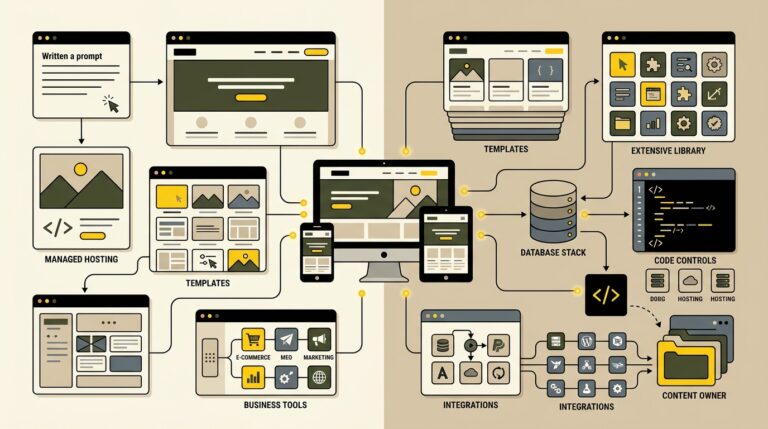
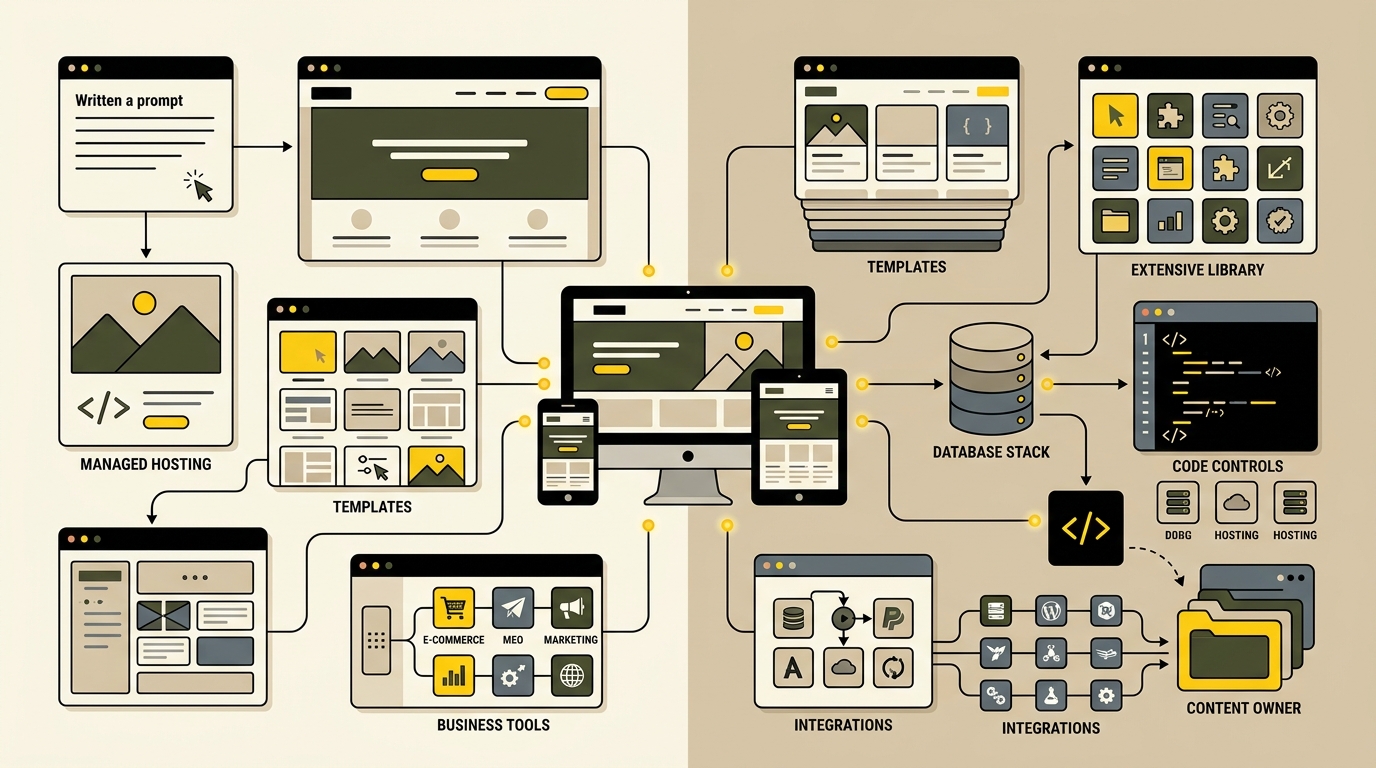
Building a website in 2026 can begin with a prompt instead of a blank page. AI website builders can generate layouts, draft copy, suggest images, and connect common business features within minutes. WordPress has also added AI infrastructure while continuing to offer open-source control, thousands of extensions, and the freedom to choose hosting, design tools, and developers.
The choice is no longer simply “easy builder versus technical WordPress.” Both options now use artificial intelligence, visual editing, responsive templates, ecommerce tools, analytics, and search features. The real difference is how much control, portability, maintenance responsibility, and long-term flexibility each platform gives you.
This guide compares AI website builders and self-hosted WordPress for small businesses, publishers, creators, online stores, and growing organizations. It focuses on the decision that matters after the first impressive demo: which platform will still fit when the website gains content, traffic, integrations, and business value?
How AI Website Builders and WordPress Differ
An AI website builder is normally a hosted service that combines generation, editing, hosting, security, and business features in one managed platform. You describe the business, choose preferences, and receive a starting website. Products such as Wix, Squarespace, and Hostinger can generate page structures, visual directions, and initial content, then let you refine the result in a visual editor.
Self-hosted WordPress is open-source content-management software installed with a hosting provider. WordPress does not force one host, theme, editor, commerce system, or AI provider. You assemble the stack yourself or hire someone to do it. This creates more decisions and maintenance work, but it also gives the website room to evolve beyond the assumptions of one hosted builder.
Speed and Convenience Favor Managed AI Builders
AI builders are strongest when the main goal is getting a polished, straightforward website online quickly. A consultant, restaurant, local service, event, portfolio, or early-stage business may need only a homepage, service pages, basic contact options, social links, appointments, and a small blog. A managed builder can generate that foundation and handle hosting setup behind the scenes.
The workflow is approachable because the platform controls the available components. Templates, spacing systems, mobile behavior, integrations, and account settings are designed to work together. Updates are applied by the provider, and users do not need to compare hosting environments or manage a large plugin stack.
Choose an AI Builder When Simplicity Is the Main Requirement
An AI builder is a sensible choice when the website has a limited scope, the internal team has little technical experience, and launching quickly matters more than deep customization. It can also work well when the business prefers one support channel and predictable bundled services.
However, generation is only a starting point. Review every claim, service description, image, call to action, policy, and search snippet before publishing. AI-generated copy often sounds polished while remaining generic. Replace it with accurate information, genuine photographs or well-directed visuals, specific proof, and a clear reason to choose the business.
Understand the Boundaries of the Hosted Platform
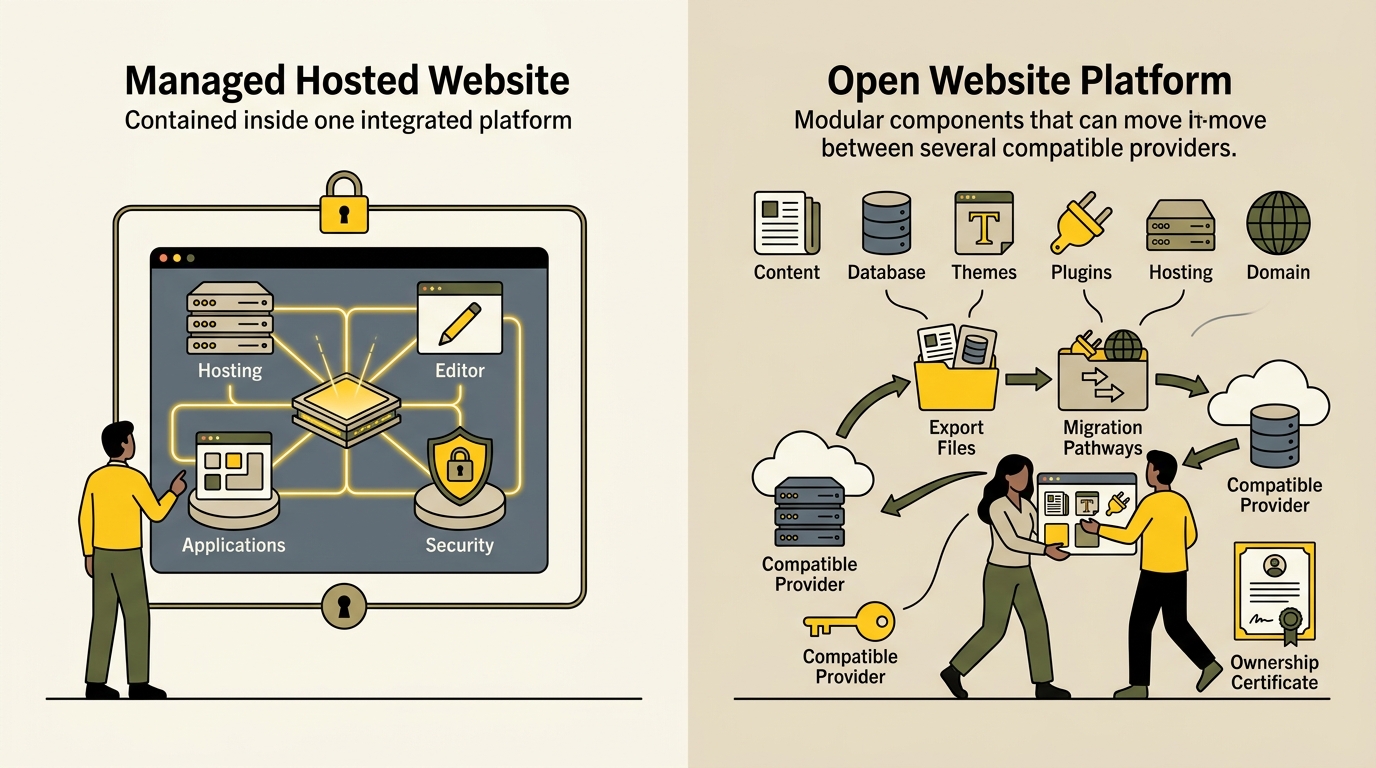
Managed convenience comes with platform boundaries. The provider controls the hosting environment, editing system, supported integrations, feature roadmap, and export options. Some content may be exportable, while the complete design, platform functionality, or application logic may not transfer to another host in a reusable form.
This is not automatically a problem. Many businesses stay successfully on one hosted platform for years. The risk appears when a project later needs a custom data model, specialized checkout, unusual membership rules, advanced multilingual behavior, extensive publishing workflows, or an integration the platform does not support.
Control and Extensibility Favor WordPress
WordPress is usually the stronger choice when the website is expected to become a major business asset. It supports custom post types, taxonomies, user roles, editorial workflows, APIs, ecommerce, memberships, directories, learning systems, multilingual publishing, and highly specific integrations. A developer can modify the theme, build a plugin, connect external services, or move the installation to another compatible host.
WordPress 7.0 also introduced an AI Client that allows plugins to communicate with supported generative-AI providers through a shared approach. This means WordPress is not standing outside the AI website-building trend. Its direction is to let AI capabilities operate within an extensible publishing system rather than requiring every site to use one closed generation experience.
Choose WordPress When the Website Must Grow Beyond a Template
WordPress makes sense for content-heavy publications, review websites, affiliate projects, directories, established service businesses, custom ecommerce, and organizations that need control over data and integrations. It is also a strong option when the website’s search visibility depends on structured archives, internal linking, reusable templates, authoring workflows, and regular content expansion.
For example, a review publication may need product records, comparison tables, category relationships, update dates, custom fields, dynamic templates, and hundreds of articles. Those requirements are easier to model in a flexible CMS than to force into a simple page builder. The content strategy described in our AI search optimization guide benefits from this kind of structured publishing foundation.
How to Choose the Right Platform for Your Website
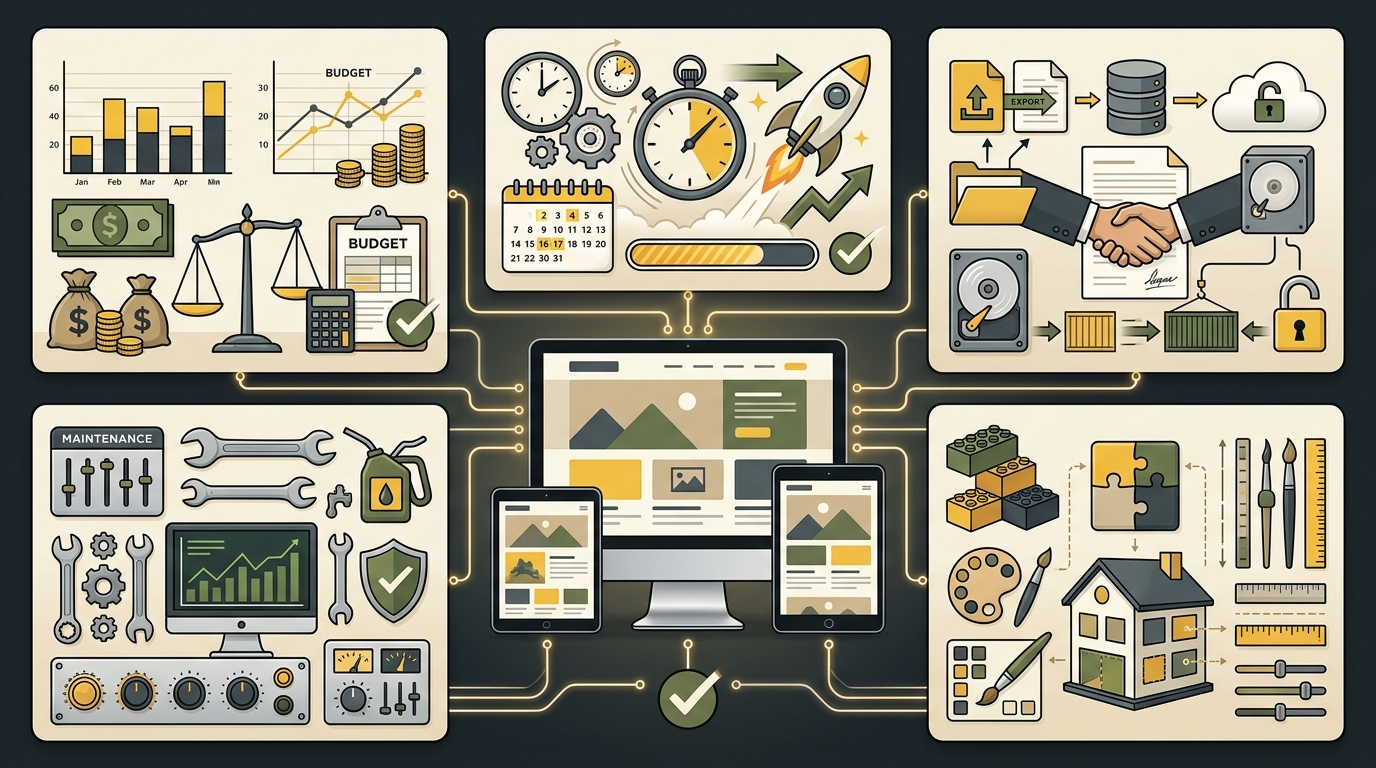
Do not choose based on the best-looking generated homepage. Start with a written requirements list covering the next two or three years. Include content volume, user roles, integrations, transactions, languages, search goals, expected traffic, compliance needs, internal skills, and the cost of professional help.
Then compare the platforms using the same test project. Build or prototype the homepage, one service or product page, one article, a navigation menu, a form, a mobile layout, and the most important conversion path. Measure how much editing is required after generation and whether the platform can support the real workflow behind the design.
Use a Five-Part Decision Framework
1. Launch speed: Choose a managed AI builder when the business needs a simple website immediately and can operate within standard features. Choose WordPress when a short planning period will prevent expensive rebuilding later.
2. Ownership and portability: Review what can be exported, which files and records you control, whether the site can move to another host, and what would need to be rebuilt. WordPress provides built-in content export and can be installed with different hosting providers, although themes, plugins, media, and databases still require a proper migration process.
3. Customization: List the functions the site may need after launch. Do not assume an app marketplace will contain the exact integration or workflow. Confirm API access, custom-code options, data limits, user permissions, and whether the visual system can support unique templates.
4. Maintenance: Managed builders reduce infrastructure decisions because the provider handles the underlying platform. WordPress gives more control but requires updates, backups, security, performance monitoring, compatibility testing, and a responsible administrator. Our WordPress 7.1 readiness guide shows what a controlled update process involves.
5. Total cost: Compare more than the first-year subscription. Include premium apps or plugins, payment fees, storage, bandwidth, development, maintenance, redesigns, migration, and staff time. The cheapest starting option can become expensive when the website outgrows its original structure.
Use AI to Accelerate Work, Not to Avoid Strategy
Whichever platform you choose, AI should shorten research, drafting, wireframing, image direction, repetitive setup, and quality checks. It should not make unsupported business claims, select a platform without requirements, publish unreviewed content, or receive unrestricted access to production systems.
A practical workflow is to define the audience and conversion goal, generate several structural options, select one direction, rewrite the content with real evidence, test the mobile experience, verify search settings, and complete a human review before publishing. Repetitive checks may later be assisted by a supervised workflow such as those in our guide to AI agents for small business.
Use WordPress’s official features and data-ownership overview when evaluating the open-source option. For a hosted builder, review that provider’s current documentation for exporting content, custom code, integrations, payments, backups, and account cancellation before committing valuable business data.
There is no universal winner. An AI website builder is often best for a fast, managed, low-complexity launch. WordPress is usually better when control, custom publishing, integrations, portability, and long-term expansion are central requirements. A hosted builder can prevent unnecessary technical overhead, while WordPress can prevent a growing website from being trapped inside an inflexible structure.
The strongest decision is the one based on the website’s future job, not the novelty of its creation tool. Choose the smallest platform that confidently supports the real requirements, document what you own, and keep a migration plan before the site becomes difficult to move.