Small businesses rarely suffer from a shortage of ideas. The real constraint is usually time. Owners and small teams spend hours moving information between apps, answering similar questions, preparing follow-ups, checking documents, creating reports, and tracking work that still requires judgment. AI agents can reduce some of that pressure when they are assigned a clear job and given sensible limits.
An AI agent is more than a chatbot that returns a single answer. It can receive a goal, gather relevant information, use approved tools, complete several steps, and return a result for review. For a small business, that could mean organizing inquiries, researching a prospect, preparing a meeting brief, updating a project record, or turning one approved article into several marketing assets.
The opportunity is real, but the hype is ahead of many implementations. A poorly designed agent can expose data, send incorrect messages, or automate a broken process faster. This guide explains where agents are useful and how to introduce them without giving up human control.
What AI Agents Can Actually Do for a Small Business
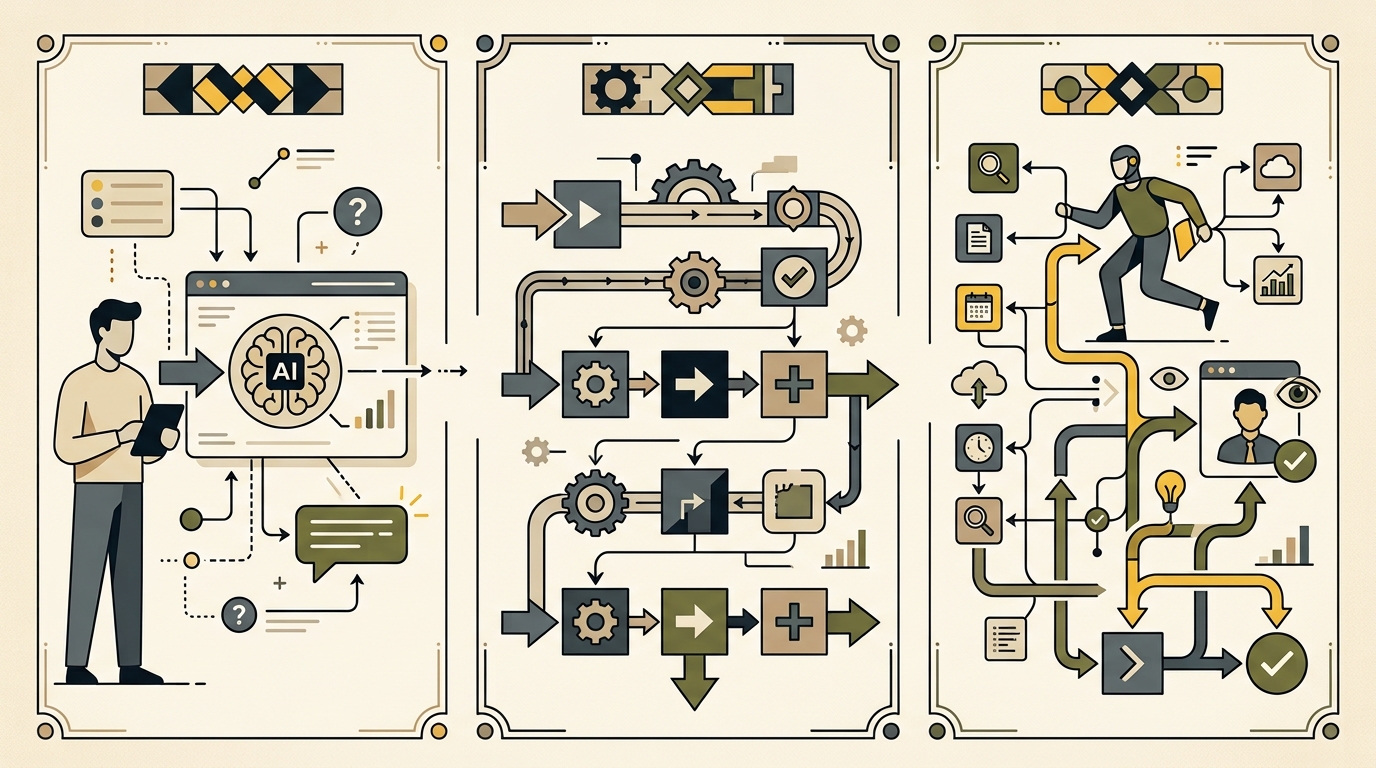
AI agents are most useful when a task involves several connected steps and some variation. Traditional automation works well when rules are fixed. An agent becomes more useful when the system must interpret unstructured information, choose among approved actions, or adapt the output.
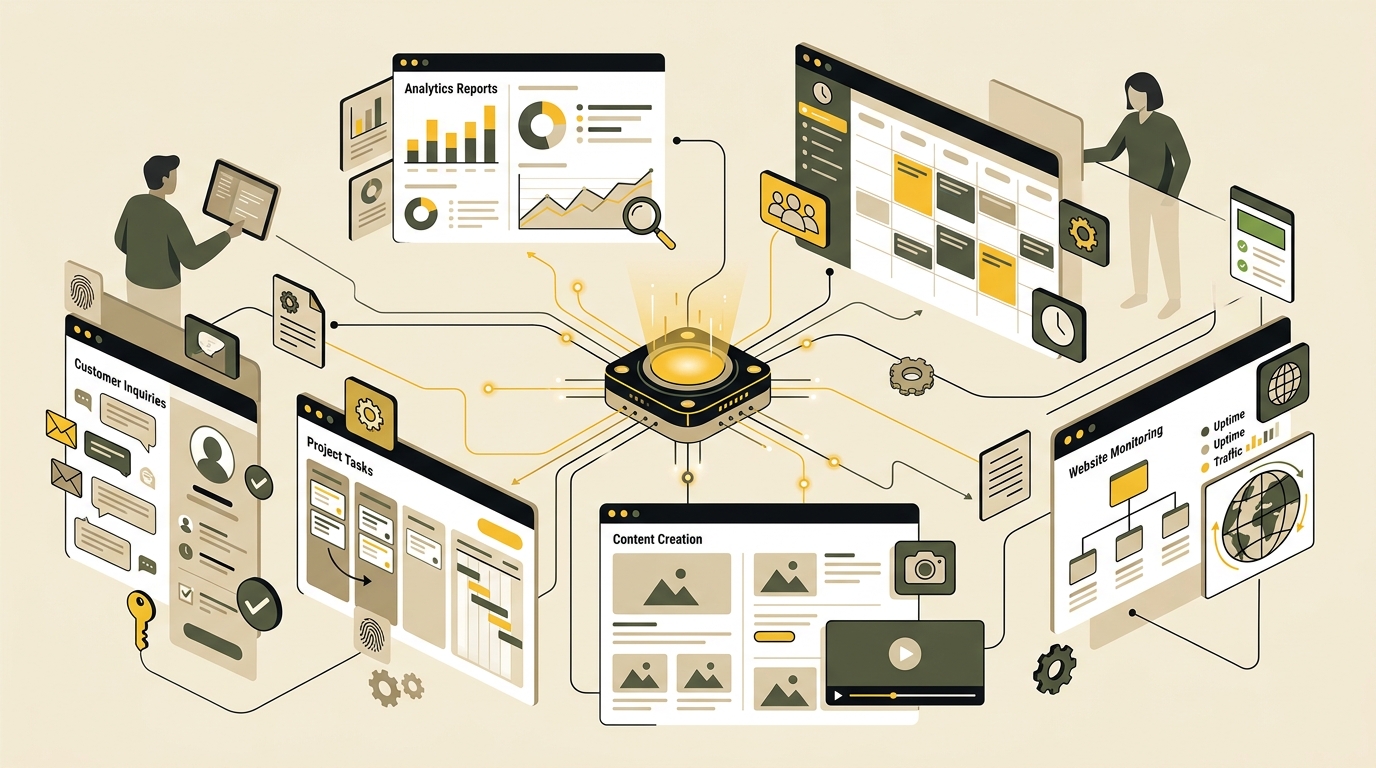
For example, a normal automation can route every website inquiry to the same inbox. An agent could classify the inquiry, identify missing details, check an internal service guide, prepare a personalized response, and flag unusual cases for a person. The agent is not replacing the owner. It is preparing the work so the owner can decide faster.
The Difference Between an AI Assistant, Automation, and Agent
An AI assistant normally helps during a conversation. You ask it to summarize a document, draft a reply, or brainstorm ideas, and it responds. A workflow automation follows predefined triggers and actions. An AI agent sits between those models: it can reason through a goal, select from permitted tools, and complete a bounded sequence of actions.
The distinction matters because businesses often buy an “agent” when a basic automation would be cheaper. Sending a fixed-date invoice reminder does not require an agent. Reviewing overdue accounts, checking communication, preparing a follow-up, and escalating exceptions may justify one.
Use Agents for Variable Work, Not Every Repetitive Task
A good agent task usually contains uncertainty that cannot be handled by one simple rule. It may involve reading emails, comparing documents, extracting details, choosing a response template, or deciding whether a case needs human attention. The goal should still be narrow enough to test.
Avoid vague instructions such as “run my marketing” or “handle customer service.” Those goals include too many decisions, channels, permissions, and failure points. Start with something measurable, such as “review new customer inquiries, draft responses using the approved service guide, and send every draft to a manager for approval.”
Start with Low-Risk, High-Frequency Processes
The best first use case is frequent enough to matter but safe enough to supervise. Look for work that is repetitive, time-consuming, and easy to verify. Strong candidates include research summaries, data classification, meeting preparation, content repurposing, draft creation, and internal reporting.
Do not begin with unrestricted access to payments, legal commitments, refunds, employee records, or public publishing. Give the agent only the data and permissions required, keep an activity log, and require approval before any high-impact action.
Seven Practical AI Agent Workflows
These workflows can be implemented with an agent platform, connected software, or a custom system. The tool matters less than the design. Each agent needs an owner, approved sources, clear instructions, defined permissions, and an escalation path.
1. Customer Inquiry Triage and Response Drafting
An inquiry agent can monitor a shared inbox or form submissions, classify each message, extract important details, and prepare a reply using approved information. It can separate sales questions from support issues, identify the requested service, note deadlines, and ask for missing information.
The safe version drafts responses rather than sending them automatically. A team member reviews the reply and approves it. Recurring corrections can be added to the agent’s instructions and evaluation tests. This reduces response preparation without allowing the system to make promises the business cannot keep.
2. Lead Research and Follow-Up Preparation
A sales research agent can take a qualified lead, collect relevant public information, summarize the company, identify likely needs, and prepare a personalized call brief. After a meeting, it can organize notes, draft a follow-up message, and suggest the next action based on the agreed process.
The agent should not invent personal details or scrape restricted information. Limit it to permitted sources and require source links in its research. The salesperson remains responsible for the final message, pricing, commitments, and relationship.
3. Meeting and Project Preparation: An agent can gather the latest documents, unresolved tasks, previous decisions, and relevant messages before a meeting. It can produce a briefing with objectives, open questions, deadlines, and risks. Afterward, it can draft action items for approval.
4. Content Repurposing: Once a long-form article is approved, an agent can create platform-specific drafts, short summaries, video talking points, FAQ ideas, and internal-link suggestions. A person should verify every public asset. This workflow works well alongside a documented strategy such as our guide to optimizing websites for AI search.
5. Standard Operating Procedure Support: An internal agent can answer staff questions using approved procedures, onboarding documents, product information, and service policies. It should link to the source it used and admit when the answer is unavailable.
6. Weekly Reporting: A reporting agent can collect data from approved dashboards, compare results with targets, identify unusual changes, and prepare a concise summary. The useful output is a structured report showing what changed and which questions require investigation.
7. Website Operations: A supervised agent can check broken links, outdated references, missing metadata, content update dates, or staging-test results. It can create a prioritized task list for a developer instead of editing the production site directly. For platform updates, pair this with a controlled process like the one planned in our WordPress 7.1 readiness guide.
How to Implement AI Agents Without Creating New Problems
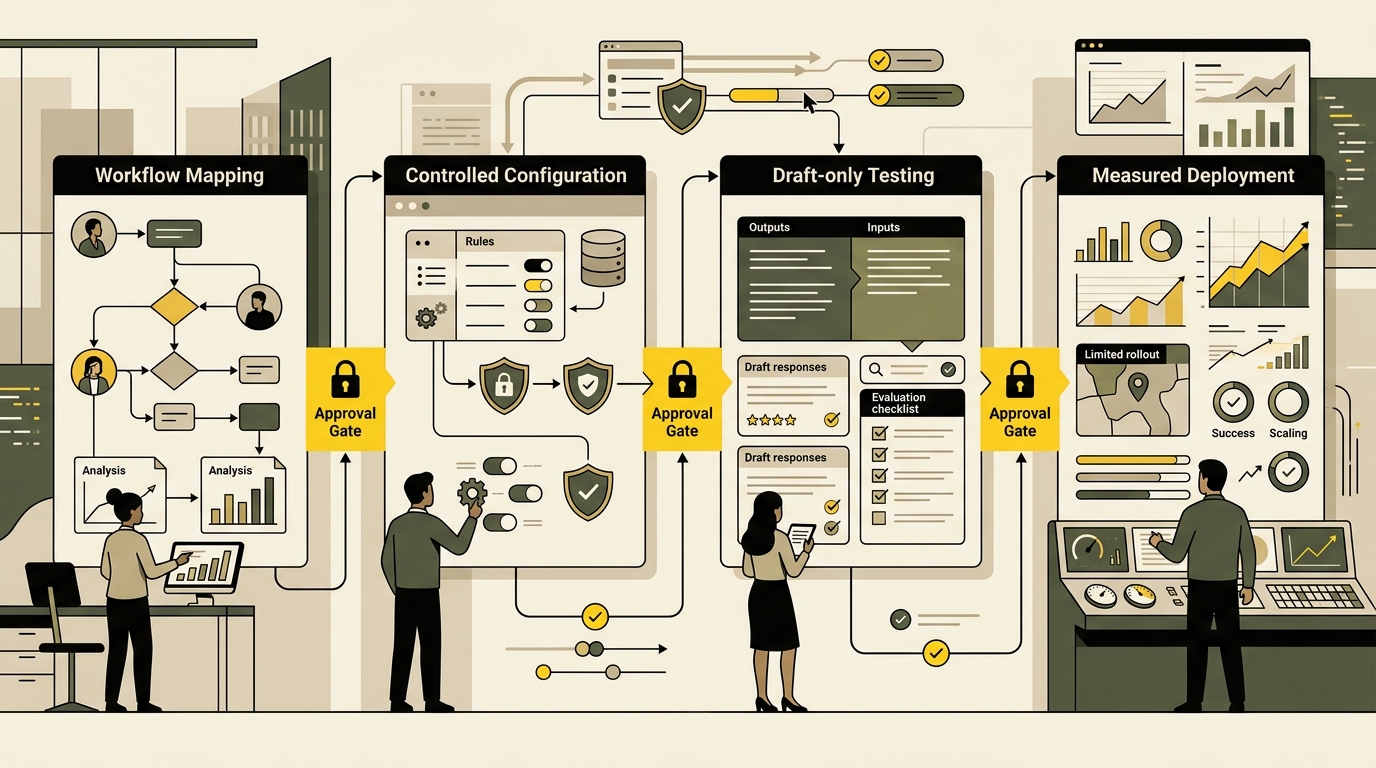
An agent project should begin with workflow mapping, not software shopping. Write down the current process, information used, decisions made, systems touched, common exceptions, and the person responsible for the result. If the process is unclear, automation will preserve the confusion.
OpenAI’s practical guide to building AI agents recommends beginning with a single agent where possible, defining tools clearly, establishing guardrails, and adding human intervention for failure thresholds or high-risk actions. That approach suits small businesses because it keeps the first implementation understandable and easier to evaluate.
Security must be designed into the workflow. Do not place confidential data in an unapproved system. Review how the provider handles information, restrict connected accounts, separate testing from production, and remove permissions the agent does not need. Our upcoming guide to passkeys for business websites explains how passwordless login can strengthen access to important accounts.
A Safe 30-Day Pilot Plan
During the first week, choose one workflow and define a baseline. Record frequency, time required, common errors, and what success looks like. Select real examples with sensitive information removed where necessary.
During the second week, configure the agent with one role, approved sources, precise tool descriptions, and examples of acceptable output. Create test cases for normal requests, missing information, contradictory instructions, unsupported claims, and situations that must be escalated.
During the third week, run the agent in draft-only mode. Compare it with the human process. Track accuracy, completion time, corrections, unsupported statements, and failed escalations. Polished output is not enough.
During the fourth week, decide whether to improve, expand, or stop the pilot. Expansion should happen only when the agent consistently meets the required quality level and the time saved exceeds checking time. Increase permissions gradually and keep approval requirements for consequential actions.
- Define ownership: One person is accountable for the agent and its results.
- Limit the scope: Give the agent one bounded workflow before adding more jobs.
- Control data access: Connect only the sources needed for the task.
- Require escalation: Specify when the agent must stop and ask a person.
- Evaluate real examples: Test ordinary, difficult, and adversarial cases.
- Measure business value: Track time saved, quality, errors, and outcomes.
The National Institute of Standards and Technology organizes AI risk management around four functions: govern, map, measure, and manage. A small business can apply that logic by naming an owner, documenting the use case, testing the system, monitoring results, and responding when risks appear.
AI agents should create capacity, not remove accountability. The most valuable implementation is often modest: one reliable agent that prepares routine work, cites its sources, respects permissions, and knows when to stop. Build from a real bottleneck, keep a person responsible for the outcome, and expand only after the workflow proves that it saves time without lowering trust.