


WordPress 7.1.3 Security Update: What Website Owners Should Do Now
The WordPress 7.1.3 security update is now available, and website owners should treat it as a priority update. WordPress released version 7.1.3 on October 6,
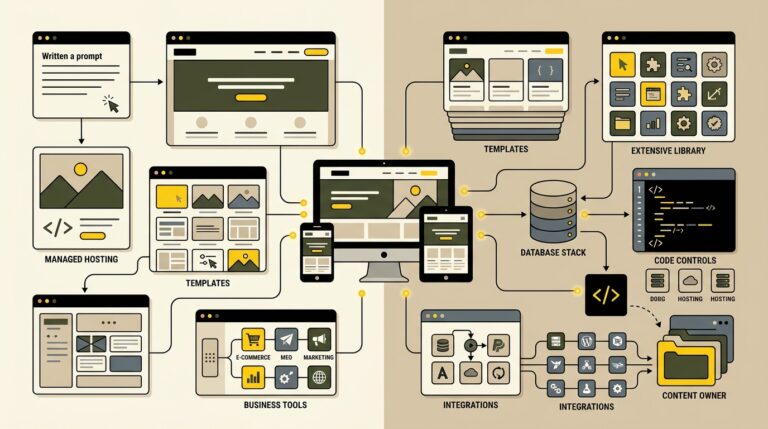
AI Website Builders vs WordPress in 2026: Which Is Better?
Building a website in 2026 can begin with a prompt instead of a blank page. AI website builders can generate layouts, draft copy, suggest images,
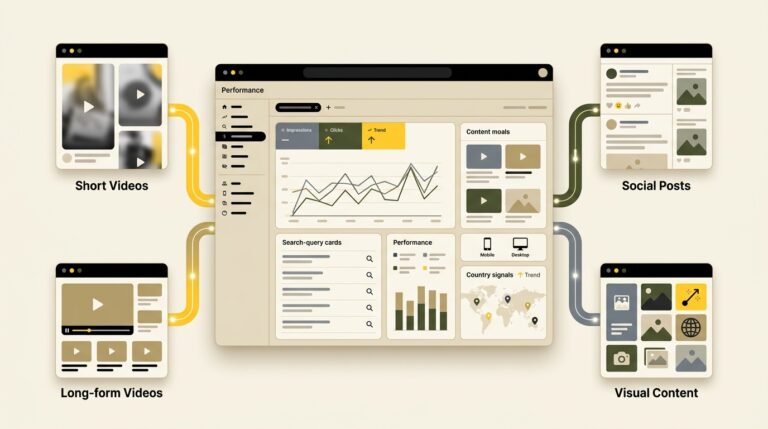
How to Track Social and Video Content in Google Search Console
Your website is no longer the only place where people discover your brand through Google. A YouTube tutorial, TikTok video, Instagram post, or update on

Passkeys for Business Websites: A Practical Passwordless Login Guide for 2026
Passwords remain a weak point for businesses and customers. People reuse them, forget them, enter them on phishing pages, and expose them through compromised services.
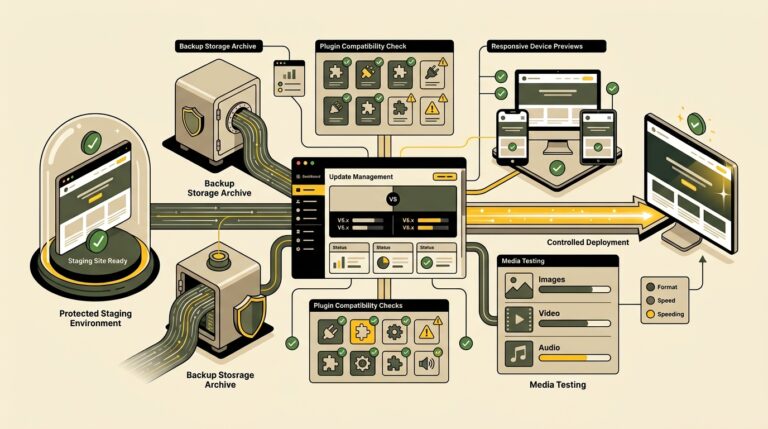
WordPress 7.1 Readiness Guide: What to Test Before Updating
WordPress 7.1 is approaching as the second major WordPress release of 2026. Release Candidate 1 became available on August 5, 2026, and the final release
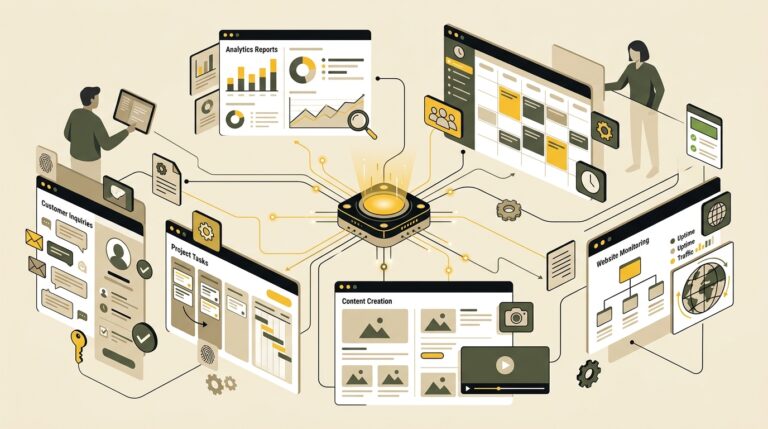
AI Agents for Small Business: 7 Practical Workflows That Save Time in 2026
Small businesses rarely suffer from a shortage of ideas. The real constraint is usually time. Owners and small teams spend hours moving information between apps,